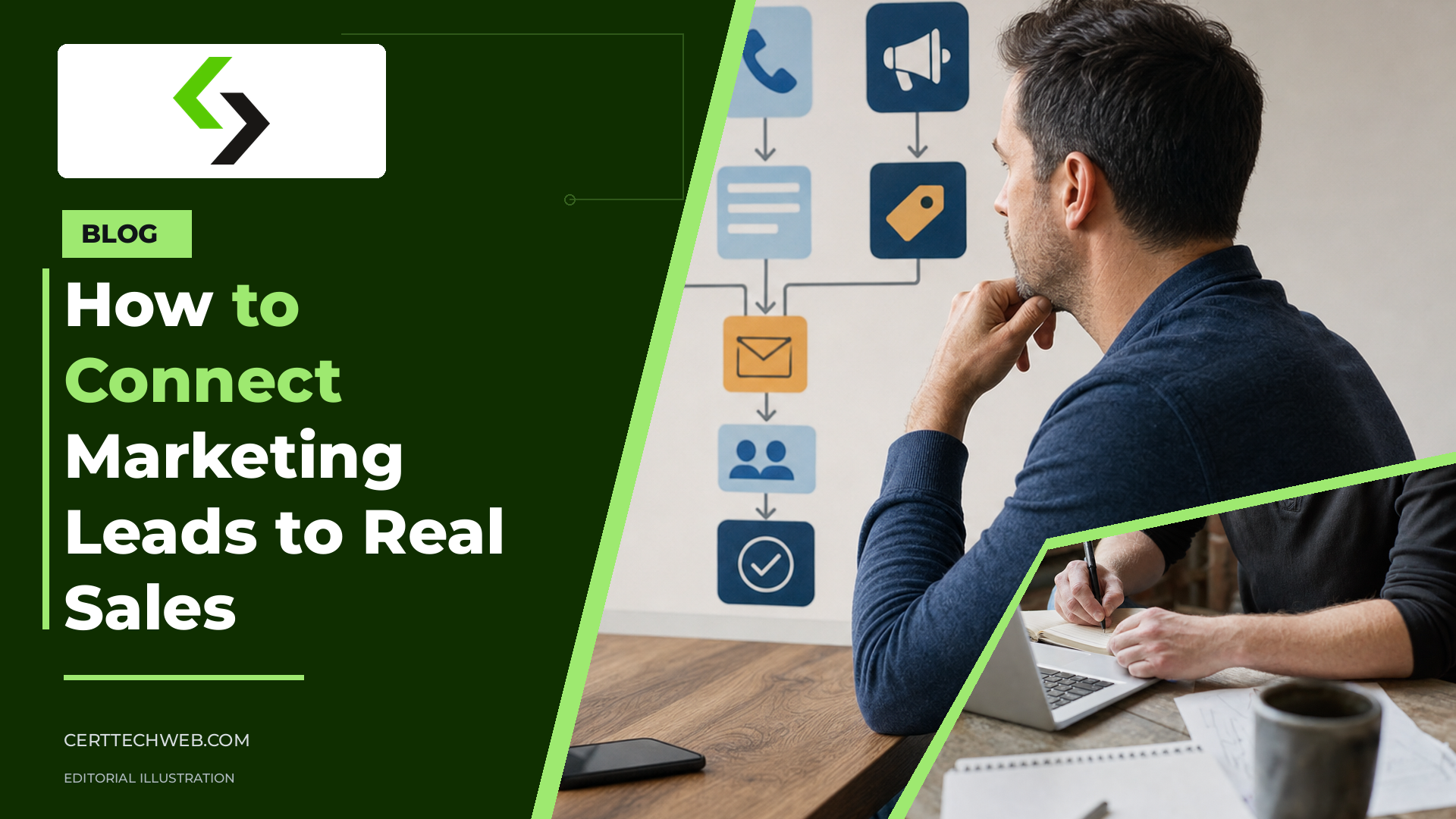
To connect marketing leads to real sales, give every genuine enquiry one shared record with three pieces of information: where it came from, what happened next, and what it became. Website analytics can help measure online actions, but a spreadsheet, CRM or custom application usually needs to hold follow-up and customer outcomes.
This system can cover website forms, phone calls, referrals, campaigns and messages without pretending that attribution is perfect. The goal is a consistent record that is useful for decisions.
Begin with the decision you need to make
Want us to build this for you?
Book a Free Discovery CallDecide what the report must help you choose before adding another tool. Traffic and form counts may be useful, but a small business often needs answers such as:
- Which sources create genuine enquiries?
- Which enquiries fit the services the business provides?
- Which leads become consultations, estimates or booked work?
- Which activities produce worthwhile customers after follow-up?
Those questions require a shared process for recording an enquiry and updating it over time.
Build one shared lead record
Want us to build this for you?
Book a Free Discovery CallChoose one place for the working record. A spreadsheet may be enough for a modest enquiry volume and one owner. A CRM becomes more useful when several people share responsibility, follow-up is easy to miss or enquiries arrive through multiple channels. A custom application may make sense when the process must connect with existing systems or needs more specialised workflow.
Whichever system you choose, use the same core fields for every genuine enquiry:
- Date received
- Name and preferred contact method
- Service requested
- First-known source
- Contact channel, such as form, phone, email or message
- Assigned owner
- Next follow-up date
- Current status
- Outcome
Define each field before staff begin using it. For example, "first-known source" might contain organic search, a referral, a campaign or unknown. "Contact channel" records how the enquiry reached the business. Keeping those fields separate prevents a source such as a referral from being confused with a channel such as a phone call.
Record source information without overstating attribution
Want us to build this for you?
Book a Free Discovery CallCampaign links and website visits
For campaign links, use a written naming convention for source, medium and campaign. Decide in advance whether the business will use facebook or fb, not both. Consistent values make reports easier to group.
Google Analytics uses event-based data. Recommended events can support standard reporting, while custom events are intended for cases where an existing event does not fit. Google's event documentation explains the distinction. Analytics can measure website actions, but it cannot automatically reconstruct every customer journey. People may change devices, decline or remove tracking, call instead of submitting a form or return much later.
Use analytics as one source of evidence, not as the complete customer record. A first-known-source field in the lead system remains important.
Forms and confirmation pages
A visit to a contact page is not proof that someone submitted an enquiry. If a form redirects to a unique confirmation page, Google Analytics documents creating a separate event from page_view, using the recommended generate_lead event where appropriate and marking it as a key event. See Google's current confirmation-page tutorial.
Check the implementation before relying on the count:
- A person may refresh or revisit a confirmation page.
- An inline success message needs a different event setup.
- Internal tests can distort reports unless they are excluded or labelled.
- A measured form completion does not show whether the enquiry was suitable or became a customer.
Use the event to measure a completed website action. Use the lead record to measure quality, follow-up and outcome. These measurements support each other, but they are not interchangeable.
Calls, referrals and messages
Forms are often easier to measure than phone calls or direct messages. That difference can make the channel with the cleanest data appear more important than the channel producing the best work.
For phone enquiries, ask the same brief question each time, such as "How did you find us?" Record the answer with standard options. For referrals, record the referring source when appropriate. For messages, create a lead record when the conversation becomes a genuine enquiry, not merely when a notification reaches the inbox.
Call tracking may associate calls with particular numbers or campaigns, but it does not by itself prove that a call became a sale. Someone still needs to update the lead status and outcome.
Use a status list that matches the real process
Want us to build this for you?
Book a Free Discovery CallA lead is not automatically valuable because it appears in a dashboard. Use a short status list that reflects how the business actually works:
- New: received but not yet reviewed.
- Contacted: a follow-up attempt has been made.
- Qualified: the enquiry appears to fit the service, location and basic requirements.
- Consultation or estimate booked: a defined next appointment or estimate is scheduled.
- Proposal sent: the business has provided the next commercial step.
- Won: the customer accepted the work or completed the relevant purchase step.
- Lost: the opportunity ended without work, with a known reason where possible.
- Not a fit: the enquiry does not match the service, location or requirements.
Add a separate outcome field. Depending on the business, an outcome may be no response, unsuitable enquiry, booked work, accepted proposal, purchase or repeat work. Keeping status and outcome separate shows both where the lead is and what it ultimately became.
Review quality, not only volume
Want us to build this for you?
Book a Free Discovery CallOnce a week, review a small table such as this:
| Source | Leads | Qualified | Won | Notes |
|---|---|---|---|---|
| Organic search | Count | Count | Count | Service and fit |
| Google Business Profile | Count | Count | Count | Calls, messages and website visits |
| Referral | Count | Count | Count | Referring source where appropriate |
| Campaign or social | Count | Count | Count | Campaign name |
Check missing fields before drawing conclusions. An unknown source is a data-quality issue, not proof that a channel performed poorly. Also compare lead quality. A source producing fewer but better-qualified enquiries may deserve more attention than one producing many low-fit contacts.
Give leads enough time to move through the normal sales process. A one-week report may be useful for checking follow-up, but it is usually too early to judge a longer sales cycle. Use the same reporting window and define when an outcome is considered final.
Choose the next useful level of tracking
Want us to build this for you?
Book a Free Discovery CallA spreadsheet may be enough when
- One person handles a modest number of enquiries.
- Every lead uses the same fields and status values.
- Next follow-up dates are visible and reviewed.
- There is little need for automated integration.
Consider a CRM or custom system when
- Several people share ownership.
- Leads are missed or duplicated.
- Enquiries arrive through many channels.
- The business needs to connect sources with proposals, bookings or payments.
- Manual reporting takes longer than the decision it supports.
Before buying software, write down the fields, status values, ownership rules and follow-up dates. Then choose the simplest system that makes those rules easy to follow. A more expensive tool will not repair an unclear intake or sales process.
Put the system into practice
Want us to build this for you?
Book a Free Discovery Call- Create one shared lead record.
- Choose one first-known-source field and a short list of standard values.
- Define status, owner, next action and outcome.
- Test form measurement and label internal submissions.
- Ask consistently about source for calls, referrals and messages.
- Review qualified and won outcomes on a regular schedule.
Certtech's conversion rate optimisation service connects measurement with actions such as forms, calls and purchases. Its local SEO service addresses local visibility and lead generation. If your reports show traffic and enquiries but not what happens after first contact, you can book a free discovery call to discuss a more connected measurement setup.